
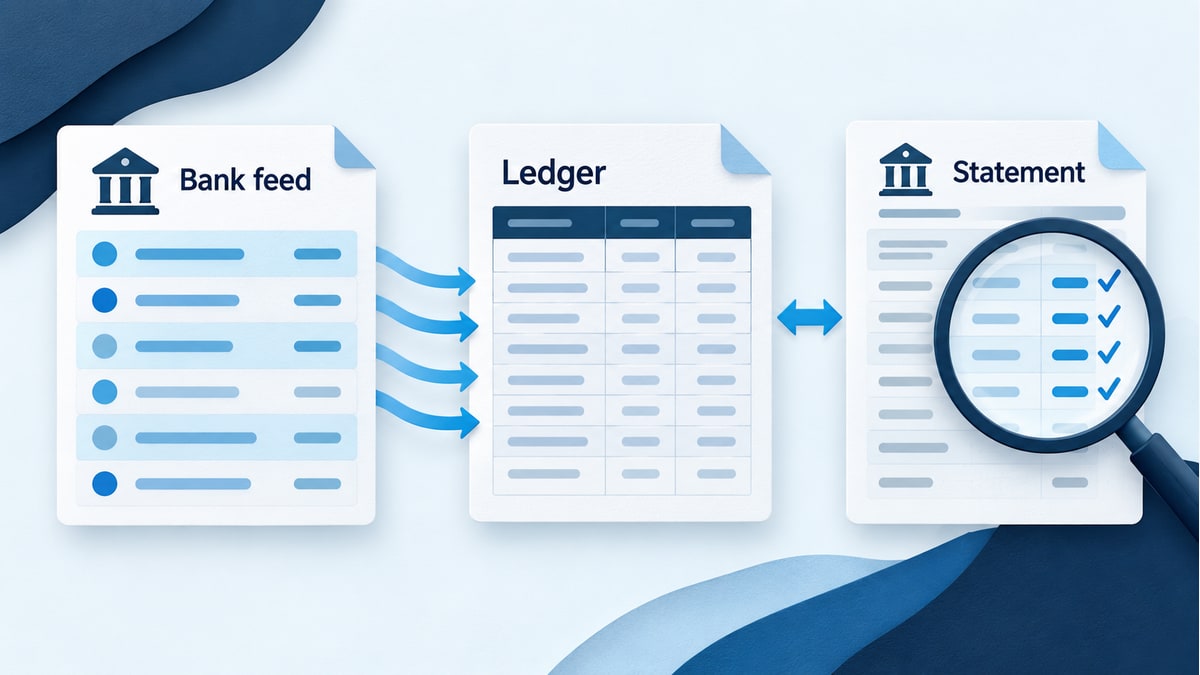
Your QuickBooks bank feed is clear, but your bookkeeper still asks for the monthly statement. That can feel like doing the same work twice.
The two tasks answer different questions. Reviewing the bank feed helps you decide how downloaded activity belongs in your books. Reconciliation checks the account against a statement for a defined period. A dependable bookkeeping process gives each step an owner.
What the bank feed does
A connected bank or credit card sends transaction information to QuickBooks Online. During review, you check whether an item belongs with a record already in the books or needs to be recorded.
Intuit describes two main choices: match downloaded activity to an existing record, or categorize it to create a new record. Choosing the correct action helps prevent duplicates. See Intuit’s guide to matching bank transactions.
For example, suppose you have already recorded a customer’s payment. When the deposit appears in the bank feed, adding a separate income entry could record that money twice. The useful question is: “What does this deposit represent, and where have we already recorded it?”
A downloaded description may need more context from you. Keep receipts, invoices and notes close to the transaction review rather than asking someone to guess from a merchant name.
What reconciliation checks
Reconciliation compares the accounting records with the bank or credit card statement. You work with the statement’s ending date and balance, verify the activity that cleared, and investigate any difference.
Intuit recommends doing this monthly after the statement arrives. Its QuickBooks Online reconciliation guide also explains that QuickBooks saves a reconciliation report when the process is complete.
Ask for that report, the statement period covered and a short explanation of anything unresolved. “The bank feed is done” does not identify the last reconciled statement.
A practical way to divide the work
Use a simple handoff between the person reviewing transactions and the person closing the month.
The business owner or designated employee supplies missing documents and explains unfamiliar activity. The bookkeeper reviews how that activity is recorded. When the statement is available, the reconciliation checks the completed account against it.
Agree on these four details:
-
Which bank and credit card accounts are included
-
Who retrieves the statements
-
Who answers transaction questions
-
Who reviews unresolved items and completed reports
A shared account list is useful when the business opens a new card, changes banks or begins using another payment platform. Otherwise, an account can fall outside the routine without anyone realizing it.
Three questions to investigate before adding another entry
Has this activity already been recorded?
Look for the original invoice payment, bill payment, transfer or other record. Check the amount, account and supporting information before accepting a suggested match.
A matching amount alone is not enough to explain a transaction. Two customers can pay the same amount.
Does the bank deposit combine several items?
A payment processor’s settlement may need a supporting report to explain it. Gather that report and identify the activity it covers before deciding how the deposit should appear in the books.
For a fictional example, a deposit of $970 might represent $1,000 of customer payments less a $30 processing fee. Those numbers are an illustration, not a rule for every processor. Use the actual settlement records to understand your own deposit.
Is this a transfer between business accounts?
Tell your bookkeeper when money moved between accounts, including a checking account and business credit card. Provide both sides of the transaction when asked.
The explanation “we moved money to pay the card” is more useful than assigning an expense category without checking the existing records.
What to do when the account will not reconcile
Start by checking that you are using the correct account, statement period and balances. Then investigate the underlying entries and supporting documents.
Avoid making an unexplained adjustment simply to finish the task. Intuit advises discussing a reconciliation adjustment with your accountant and generally resolving the difference first.
Keep a short issue list while the investigation is open. Record the question, the document needed and who will follow up. If earlier reports were already shared with your CPA, ask how a correction will affect those reports before treating the month as finished.
Keep supporting documents alongside the numbers
A reconciliation is one part of the bookkeeping review. You still need information that explains the business activity.
The IRS identifies receipts, invoices and other supporting documents as the information behind business-record entries. Its recordkeeping guidance is a useful reference for organizing that documentation.
An ordinary monthly workflow can be straightforward: collect records, resolve transaction questions, reconcile the accounts and review the reports. AMX’s monthly bookkeeping checklist puts those broader steps in order.
Get a clear answer about where your books stand
Ask your bookkeeper: “What is the last statement period reconciled for each account, and what still needs an answer?” That gives you a practical starting point.
AMX offers outsourced bookkeeping and QuickBooks training. We can discuss whether you need help with a recurring process, an unresolved account or understanding the software.
Schedule a free consultation to talk through your current bookkeeping routine and the next step.